Themes
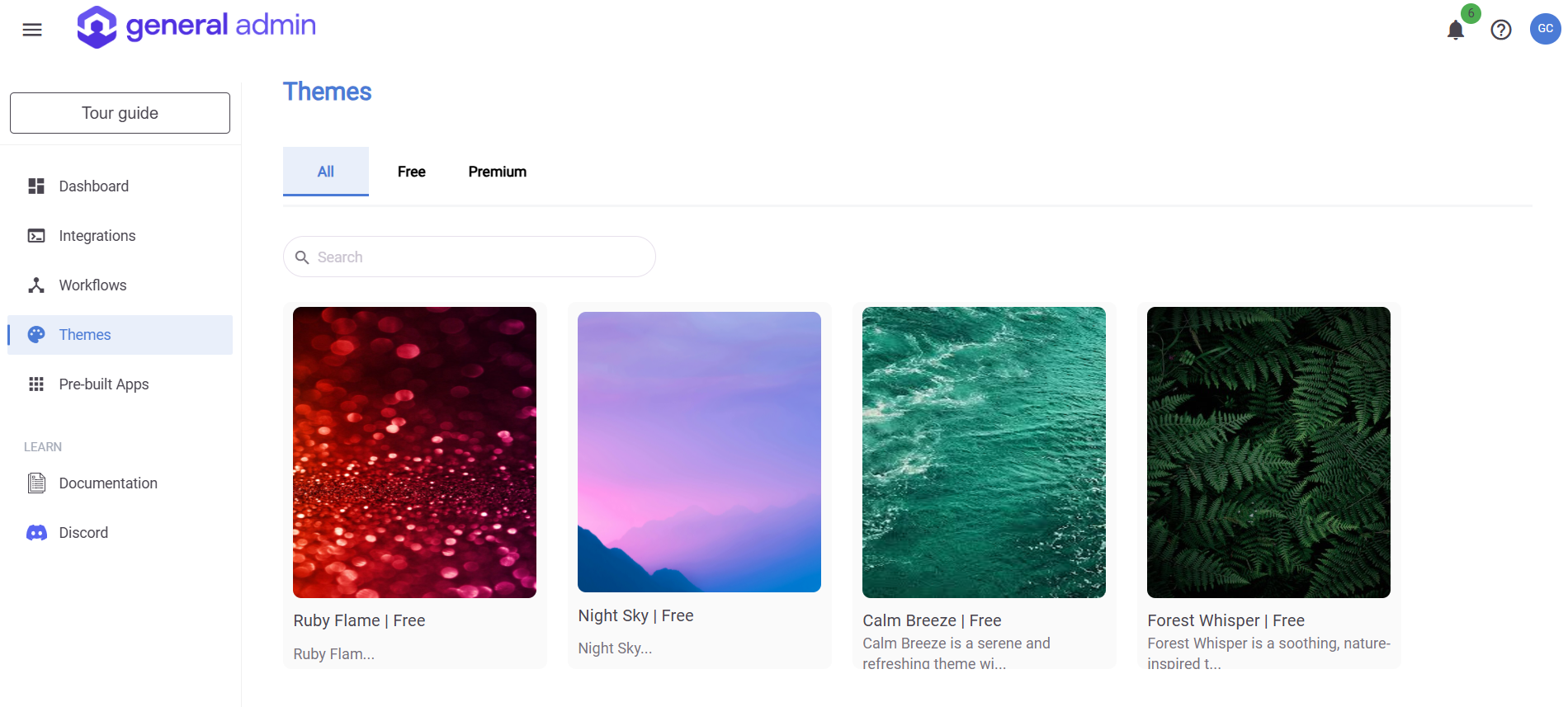
The Themes page in General Admin allows you to customize the appearance of your General Admin's application by choosing from a variety of available themes.
Accessing Themes
Navigate to the Themes page from the landing page by clicking on the Themes link on the left side navigation bar.
Activating a Theme
On the Themes page, browse through the available themes.
To apply a theme, simply click on the theme, then click on the Activate button.
Upon activation, you will be redirected to the Corporate Identity → Themes page.
After activating the theme, a pop-up will appear, prompting you to reload the application.
Click Reload to apply all the changes.
Once refreshed, the new theme will be visible and applied to your application.
By following these steps, you can easily personalize your General Admin experience with a theme that suits your preferences. Enjoy exploring the various themes to find the perfect look for your application!
This feature is only available for Premium users.